

eExcise: Digital transformation of the excise industry
Checkbox is the official software developer for the offline mode of the national eExcise system.
As part of our cooperation with the Ministry of Digital Transformation of Ukraine, we are responsible for building the desktop version and mobile apps that keep the system running offline.
Our status: Official contractor of the Ministry of Digital Transformation of Ukraine. Legal basis: Agreement No. EGAP 6/12-25 dated 12.12.2025

About the eExcise system
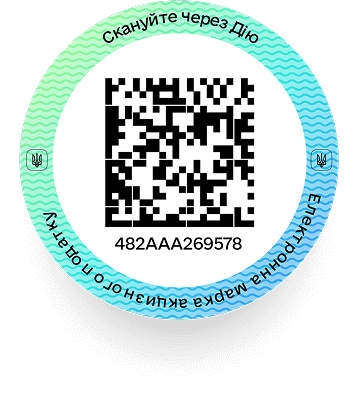
eExcise —is a large-scale government reform that will help fight the black market of excise goods more effectively and increase budget revenues through excise tax payments. This comprehensive digital system introduces an electronic excise tax stamp, replacing outdated paper stamps with unique DataMatrix codes.
Regulatory framework:The project is implemented in accordance with the eExcise Law No. 3173-IX 'On Amendments to the Tax Code of Ukraine and other laws of Ukraine in connection with the introduction of electronic traceability of the circulation of alcoholic beverages, tobacco products and liquids used in electronic cigarettes'
Comparative analysis of the transformation
Testing period and software
We will soon be testing the offline app. You can explore the interface and how the apps work via the links below:



To work with data offline, you need to deploy a local PostgreSQL database. All data used in offline mode will be stored locally on your device.
API reference - SwaggerNote: To explore the offline app's API, install the desktop version on your device and run it. Then open the link above in your browser to view the documentation.
Installation guide (Desktop)Installation guide (Android)Installation guide (iOS)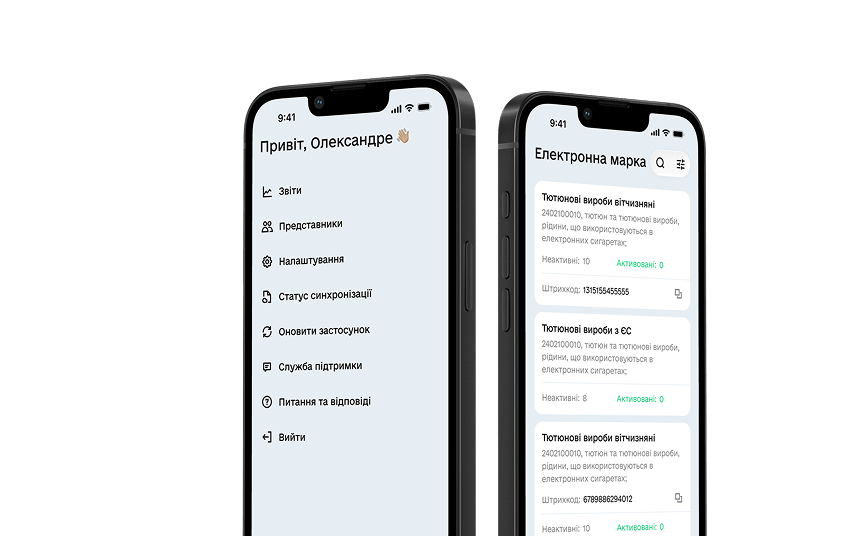
Feedback
If you have technical questions about how the solution works, or suggestions for improvements, please fill out the contact form
Contact the developer